Powerful AI Tools AI Video & Image Studio

One Subscription Access to all Systems

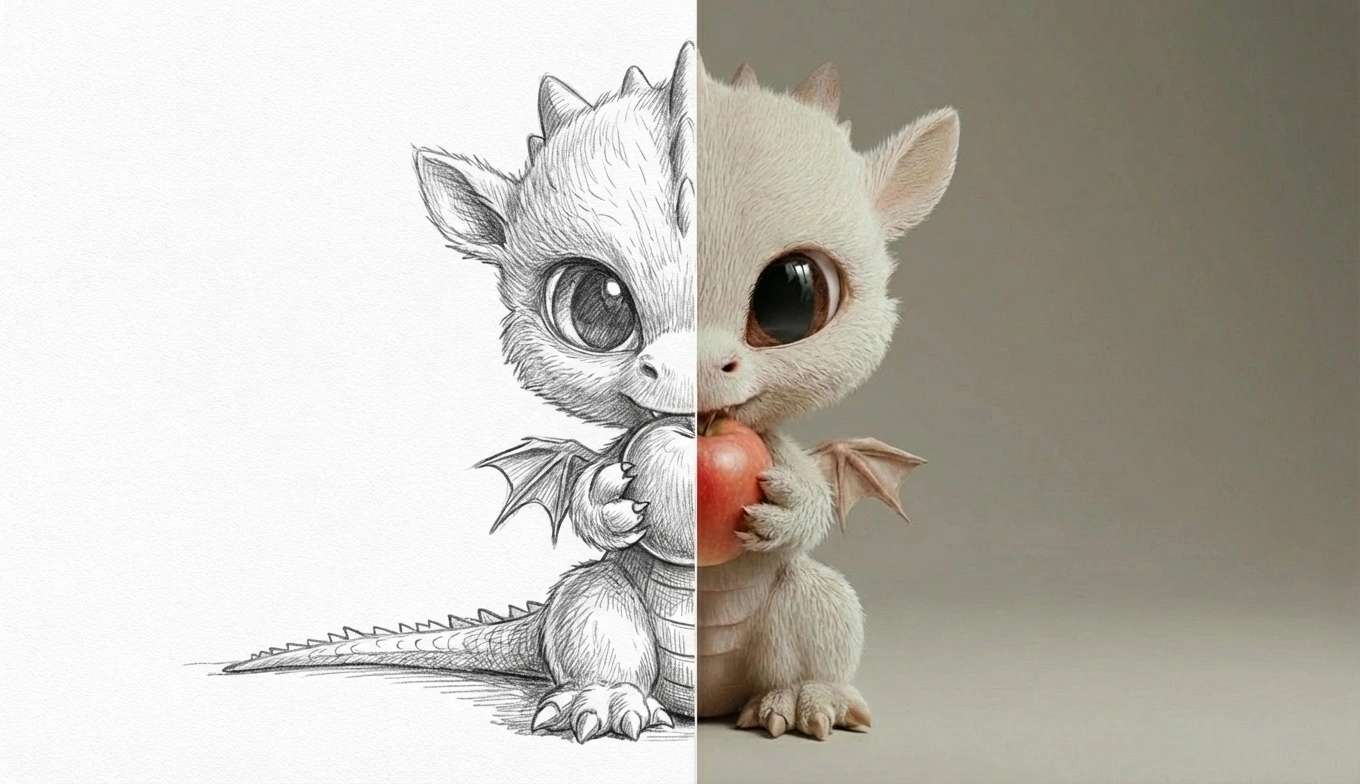
From Prompt To Masterpiece

Powerful Editing Tools

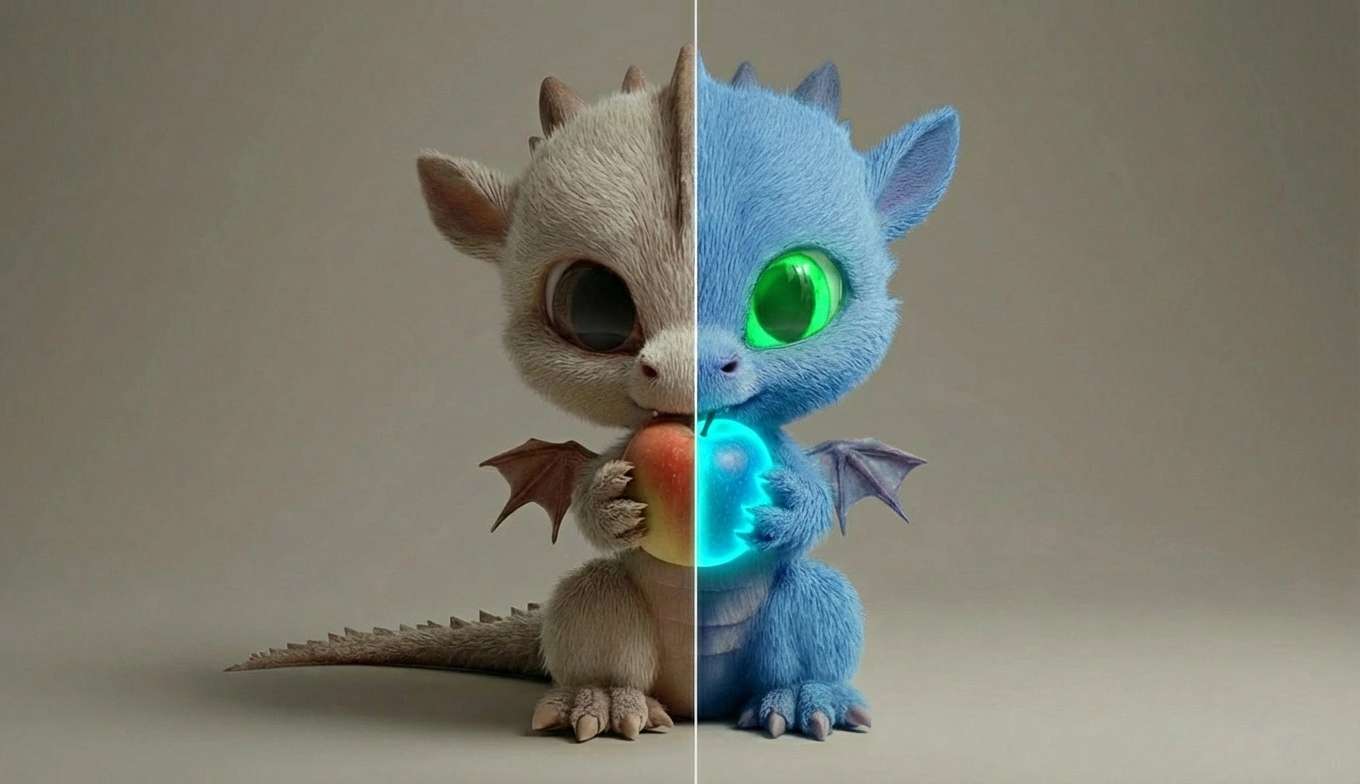
DreamTools gives you a powerful, professional-grade editing suite built right into your browser. Fine-tune images with advanced photo filters including vibrance, hue and saturation controls, brightness and contrast adjustments, cinematic LUTs, and realistic camera lens effects. Layer on overlays and visual FX, apply precise text editing, and shape every detail with tools designed for speed, control, and high-end creative results—all without leaving your workflow.

Learn More

Video Adverts

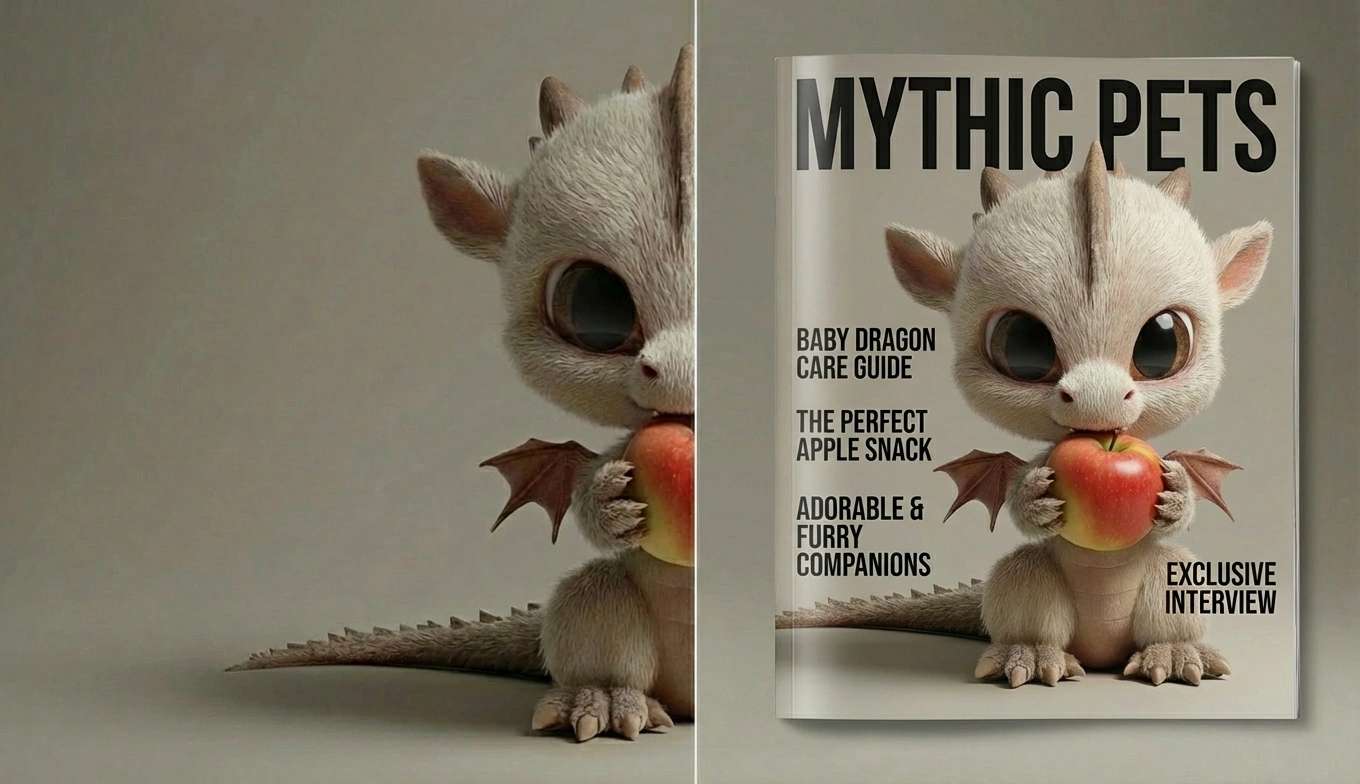
DreamTools can create complete video adverts from start to finish using a wide range of cutting-edge AI models. With a simple prompt, you can generate high-quality images using multiple image models such as NanoBanana, Midjourney-style generators, and WAN, then seamlessly turn those images into professional videos using advanced video models like Kling, Veo, and Wan. Add your own company logo, branding colours, text, and effects, refine the motion and style, and produce fully polished, on-brand video adverts—all inside one unified creative workflow.

Start Now

Create Realistic Influencers

Create realistic, lifelike influencers with DreamTools using advanced AI image and video models that deliver natural movement, authentic expressions, and cinematic detail—complete with accurate AI lip sync. Generate influencers that look and feel real, customize their appearance, voice, style, and personality, then bring them to life with perfectly synced speech for ads, social media, and campaigns, all fully branded, consistent, and ready to represent your brand at scale.

Start Now

Advanced Relighting Studio

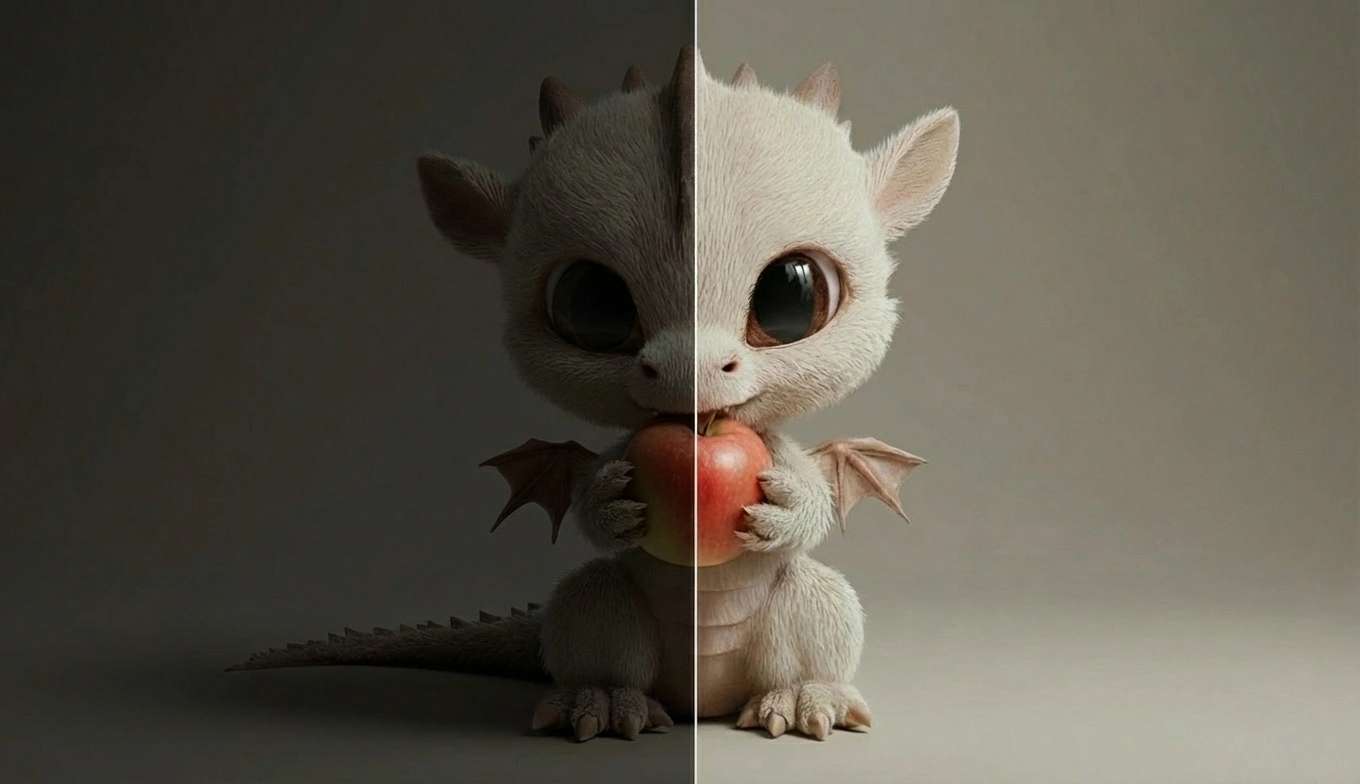
The Advanced Relighting Studio is a powerful in-browser tool that lets you add and control virtual lights directly inside an image. You can position lights in X, Y, and Z space to reshape depth, direction, and mood, giving you true studio-style lighting control rather than flat filters or presets.

Each light includes precise controls for intensity, hue, saturation, vibrance, softness, and influence, allowing you to sculpt highlights and shadows exactly where you want them. Multiple lights can be layered to create cinematic, realistic, or dramatic lighting setups—fully non-destructive.

Running entirely in the browser, the Advanced Relighting Studio is fast, interactive, and accessible anywhere. It’s designed for photographers, designers, and artists who want real lighting control and atmosphere without the limitations of traditional photo editors.

Learn More

Lip Sync

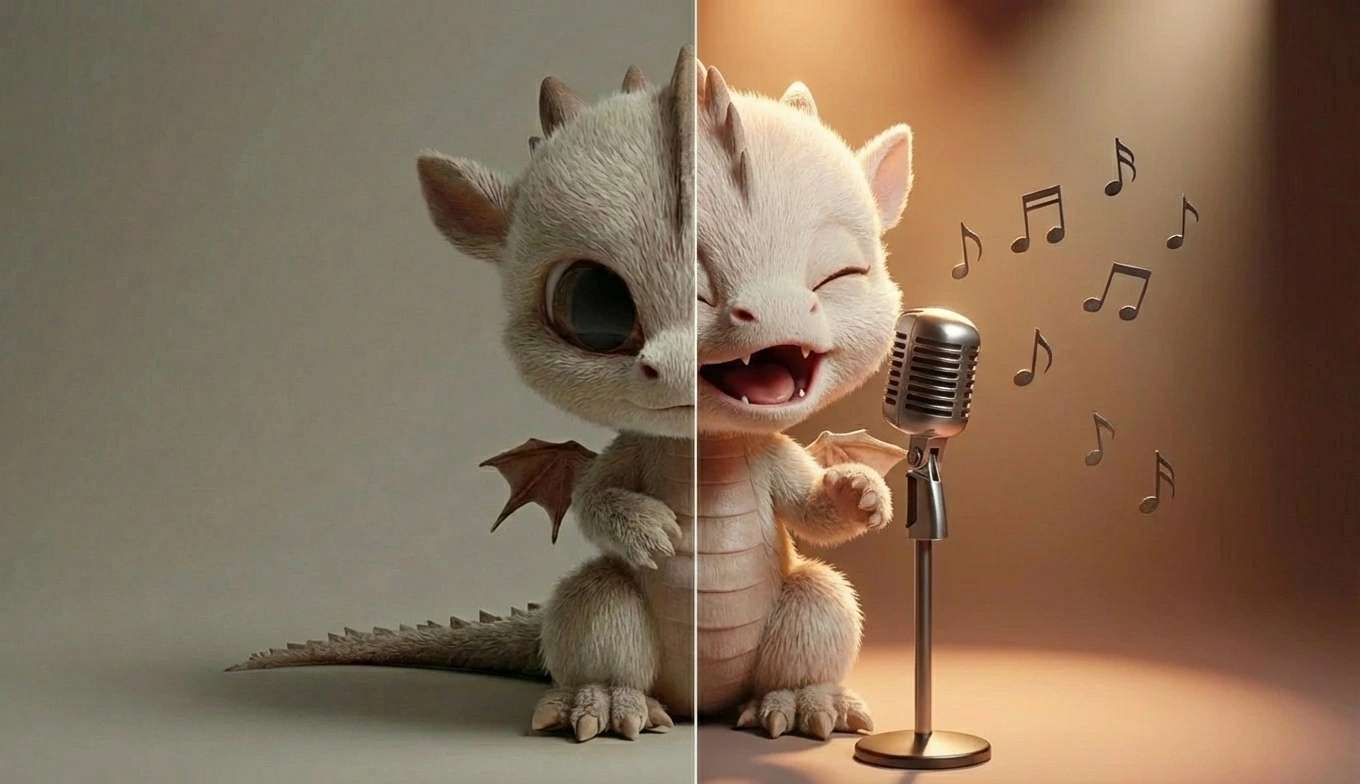
DreamTools’ AI Lip Sync delivers remarkably natural, production-ready mouth movements that stay perfectly aligned with speech, emotion, and timing. It handles long-form dialogue, multiple languages, and expressive facial motion with ease, avoiding the stiff or uncanny results common in other tools. Whether you’re creating music videos, character performances, ads, or cinematic scenes, DreamTools makes lip-synced video feel seamless, believable, and ready to publish—no manual cleanup required.

Start Now

Design Anything You Can Imagine

Text to Image
Demo
Image to Image
Demo
Image to Video
Demo
AI Image Edit
Demo
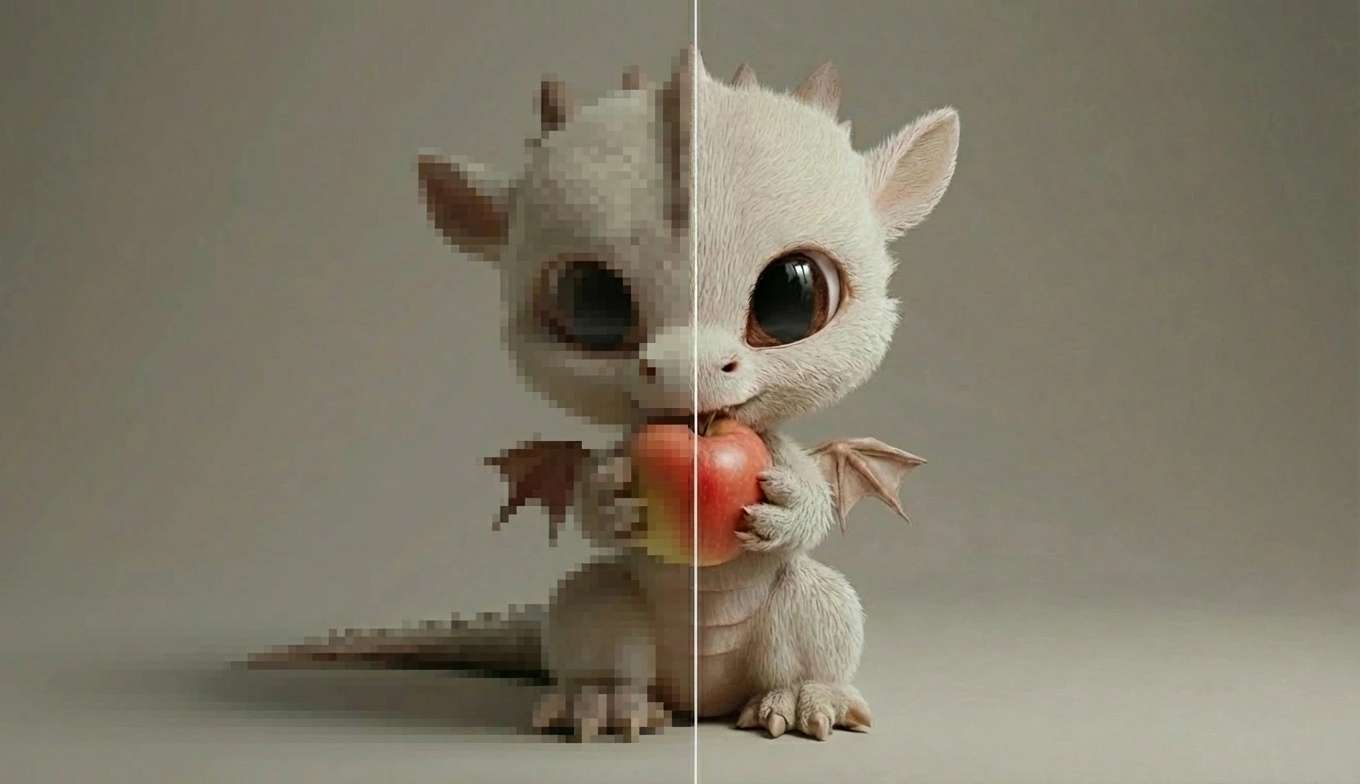
Super Upres
Demo
Advanced Filters
Demo
Relight Studio
Demo
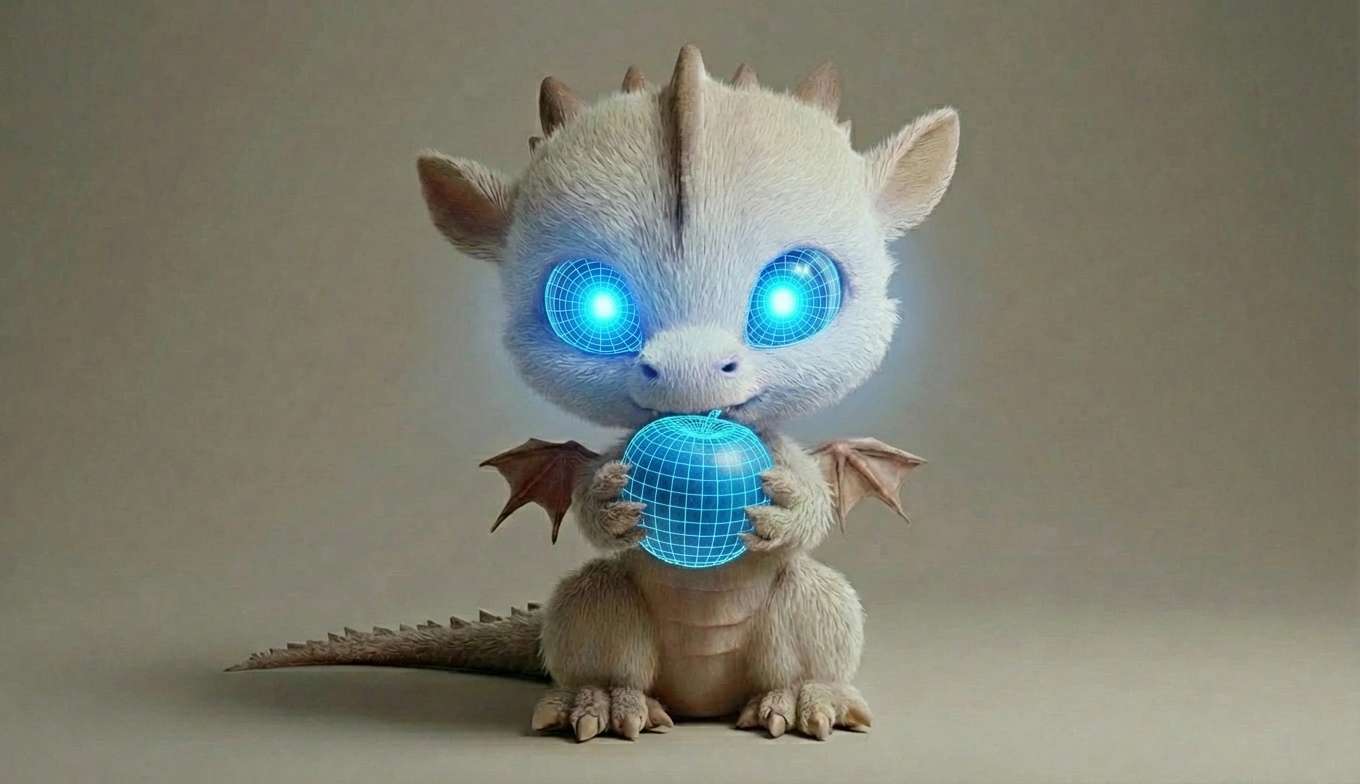
Image to 3D model
Demo
Lip Sync
Demo
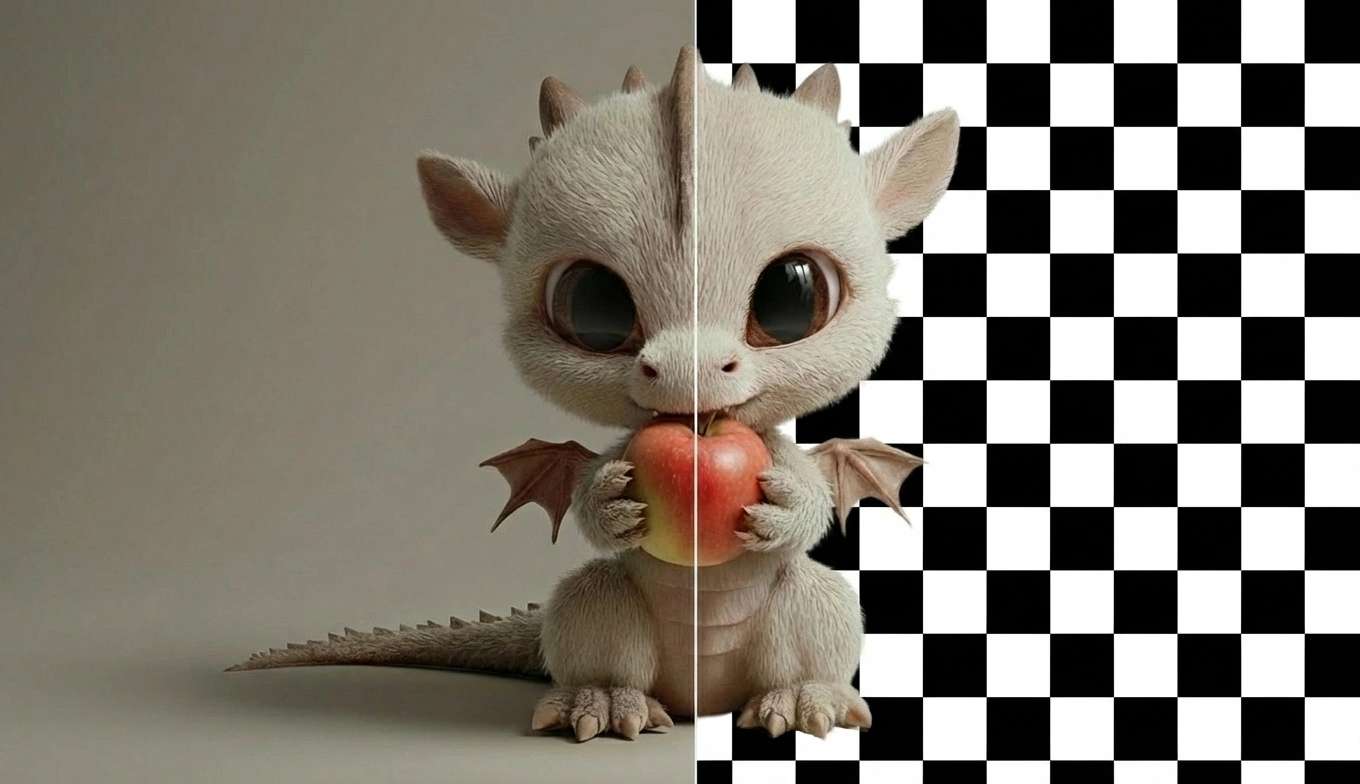
Background Remove
Demo
Editing Studio
Demo
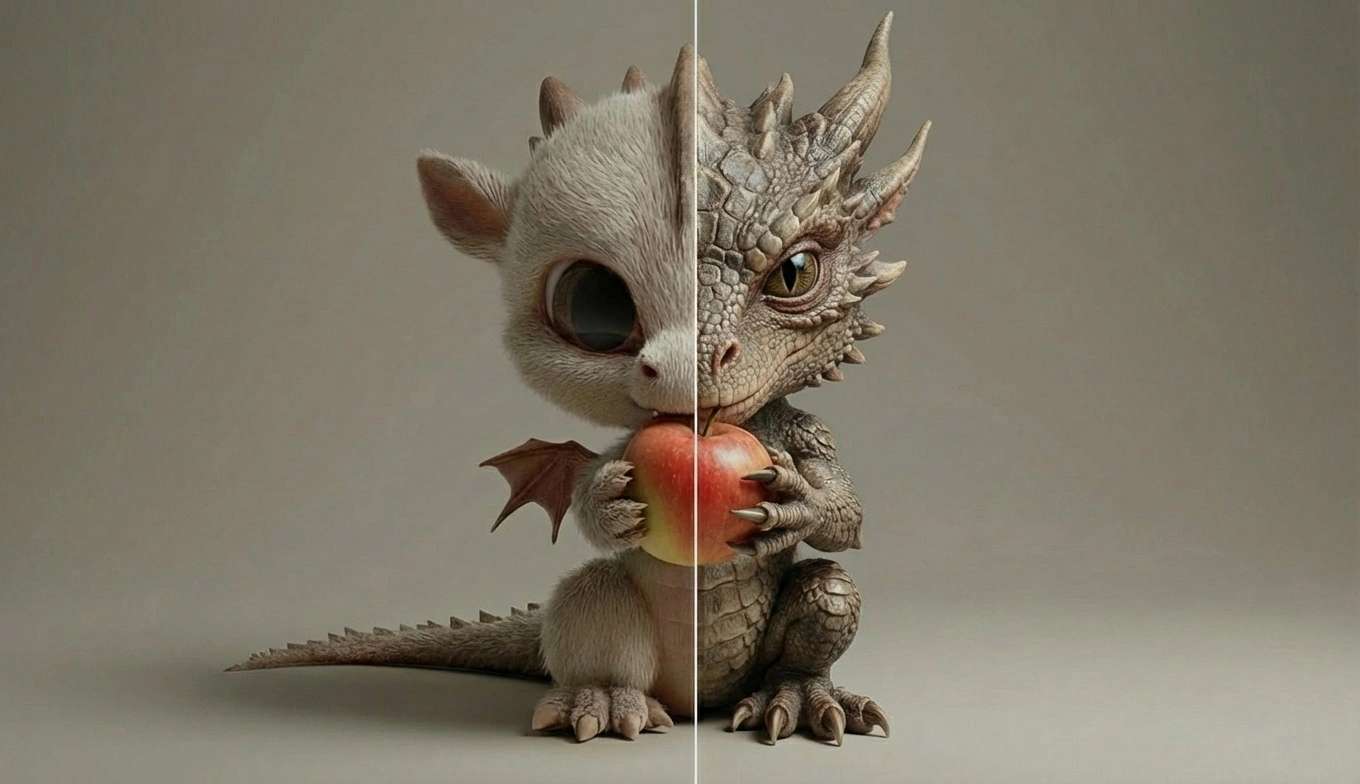
Add Realism
Demo
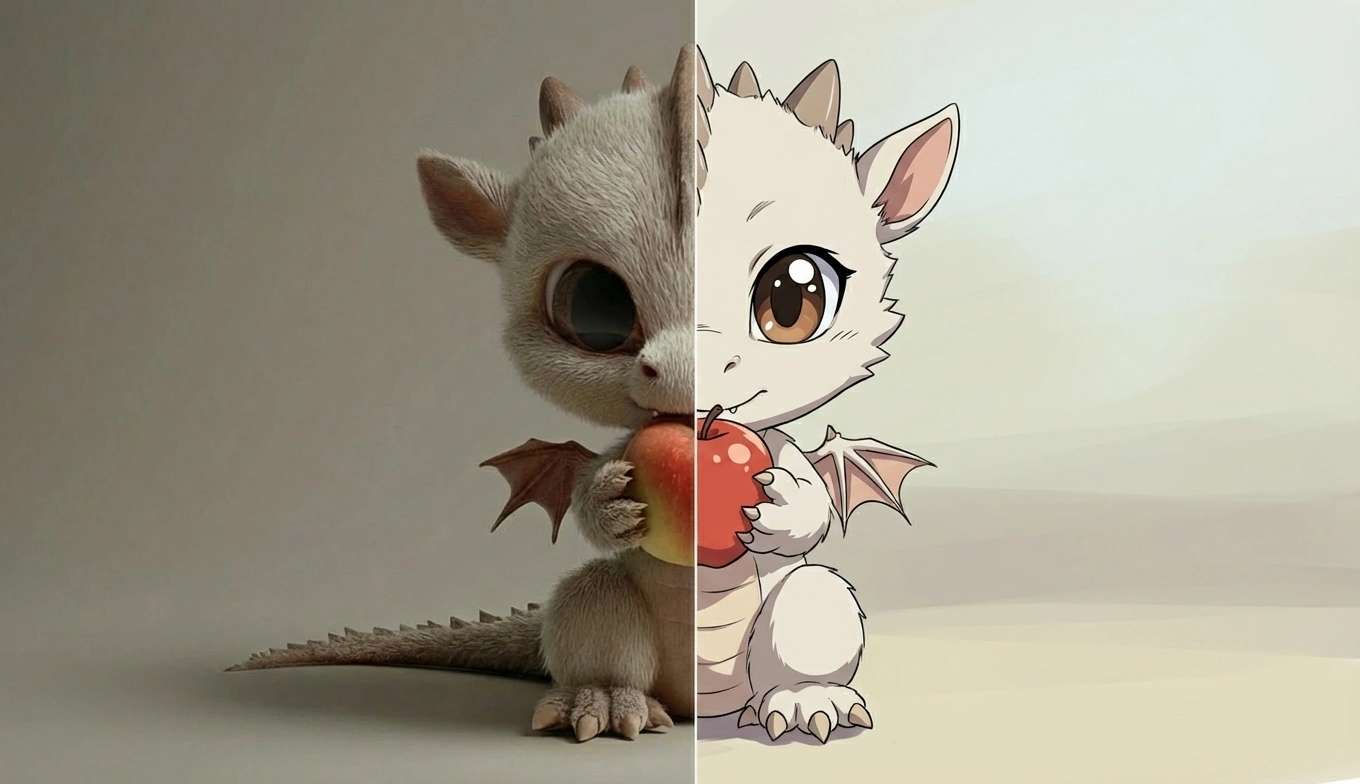
Style Change
Demo
Face Swap
Demo
Story Mode
Demo
Add Clothing
Demo

See What Our Users Are Saying

One Login. Multiple Systems.

Everything in One Place

DreamTools puts an entire production pipeline under one roof. Image generation, video creation, editing, branding, and effects—no jumping between platforms anymore. It's become the core tool we rely on for creating high-quality visual content at scale.

AR

Aisha Rahman

Growth Marketer

Unbelievable Results

The quality coming out of DreamTools is genuinely unbelievable. The motion feels smooth, the visuals are sharp, and the lip sync finally looks natural instead of robotic. It's one of the few AI tools that feels truly ready for real-world campaigns.

TM

Theo Muller

Content Strategist

Unmatched in Realism

DreamTools delivers a level of realism I honestly didn't think was possible in a browser-based platform. From images to video and lip sync, everything looks cohesive and natural. Having all these tools in one place has completely changed how fast we can move from idea to finished content.

JS

Jordan Steele

Creative Director

Frequently Asked Questions

What is DreamTools?

DreamTools is an all-in-one creative platform for editing images, generating AI visuals, and producing videos and adverts using advanced image and video models—all directly in your browser.

Can DreamTools create full video adverts?

Yes. DreamTools can generate video adverts from start to finish, from creating the initial image to producing the final video with your logo, branding colours, text, and effects.

Which AI models does DreamTools use?

DreamTools integrates multiple cutting-edge models, including Kling, Veo, and Wan for video, and various image models such as NanoBanana, Midjourney-style generators, and Wan.

Can I create realistic AI influencers?

Yes. You can create lifelike influencers with realistic visuals, natural motion, and accurate AI lip sync, fully customized to match your brand or campaign.

Does DreamTools support lip sync for videos?

Yes. DreamTools includes AI lip sync, allowing generated characters and influencers to speak naturally with synced audio for ads, presentations, and social content.

What editing tools are included?

DreamTools offers powerful editing tools including advanced photo filters, vibrance, hue and saturation controls, brightness and contrast, LUTs, camera lens effects, overlays, FX, and professional text editing.

Can I add my own branding?

Absolutely. You can apply your own logos, brand colours, fonts, and text to images and videos to ensure consistent, on-brand results.

Do I need design or video experience to use DreamTools?

No. DreamTools is designed to be intuitive for beginners while still offering deep control for professionals who want precision and flexibility.

What can I use DreamTools for?

DreamTools is ideal for creating video adverts, social media content, influencer campaigns, marketing visuals, presentations, product promos, and branded creative assets at scale.

Is DreamTools browser-based?

Yes. Everything runs directly in your browser—no downloads, no complex setup, and no high-end hardware required.

Pricing & Credits

Explorer (Free)

$0
No credit card required
14 Credits
• Up to 14 images (Photon Edit Fast / Pro) & up to 7 videos (Seedance)
• Video breakdown (14 credits):
• Seedance (2) → 7 videos
• Pika 2.2 (3) → 4 videos
• Hailuo Fast 2.3 (3) → 4 videos
• Kling 2.6 (6) → 2 videos
• Sora 2 (8) → 1 video
• Kling 01 (9) → 1 video
• Veo 3.1 / Pixverse 5 (12) → 1 video

Creator Core

$6.70 Per month
100 Credits
• Up to 100 images (Photon Edit Fast) & up to 50 videos (Seedance)
• Video breakdown (100 credits):
• Seedance (2) → 50 videos
• Pika 2.2 (3) → 33 videos
• Hailuo Fast 2.3 (3) → 33 videos
• Kling 2.6 (6) → 16 videos
• Sora 2 (8) → 12 videos
• Kling 01 (9) → 11 videos
• Veo 3.1 / Pixverse 5 (12) → 8 videos

Studio Pro

$33.50 Per month
500 Credits
• 500 Credits · $33.50 / month
• Up to 500 images (Photon Edit Fast) & up to 250 videos (Seedance)
• Video breakdown (500 credits):
• Seedance (2) → 250 videos
• Pika 2.2 (3) → 166 videos
• Hailuo Fast 2.3 (3) → 166 videos
• Kling 2.6 (6) → 83 videos
• Sora 2 (8) → 62 videos
• Kling 01 (9) → 55 videos
• Veo 3.1 / Pixverse 5 (12) → 41 videos

Master Suite

$67.00 Per month
1000 Credits
• Up to 1,000 images (Photon Edit Fast) & up to 500 videos (Seedance)
• Video breakdown (1,000 credits):
• Seedance (2) → 500 videos
• Pika 2.2 (3) → 333 videos
• Hailuo Fast 2.3 (3) → 333 videos
• Kling 2.6 (6) → 166 videos
• Sora 2 (8) → 125 videos
• Kling 01 (9) → 111 videos
• Veo 3.1 / Pixverse 5 (12) → 83 videos

Buy Once Off Credits

100 Credits
$7.00
500 Credits
$35.00
1,000 Credits
$70.00

Log in to DreamTools